> For the complete documentation index, see [llms.txt](https://developer.emporix.io/llms.txt). Markdown versions of documentation pages are available by appending `.md` to page URLs; this page is available as [Markdown](https://developer.emporix.io/import-tool/import-setup-and-jobs/imports/field-mapping.md).

# Field Mapping

Map source fields to target entity fields, transform values, and publish versioned stream mappings.

Field mapping defines how source fields are written to the target entity in Emporix. From the stream actions, select **Edit mapping** to open the dedicated **Field Mapping** view.

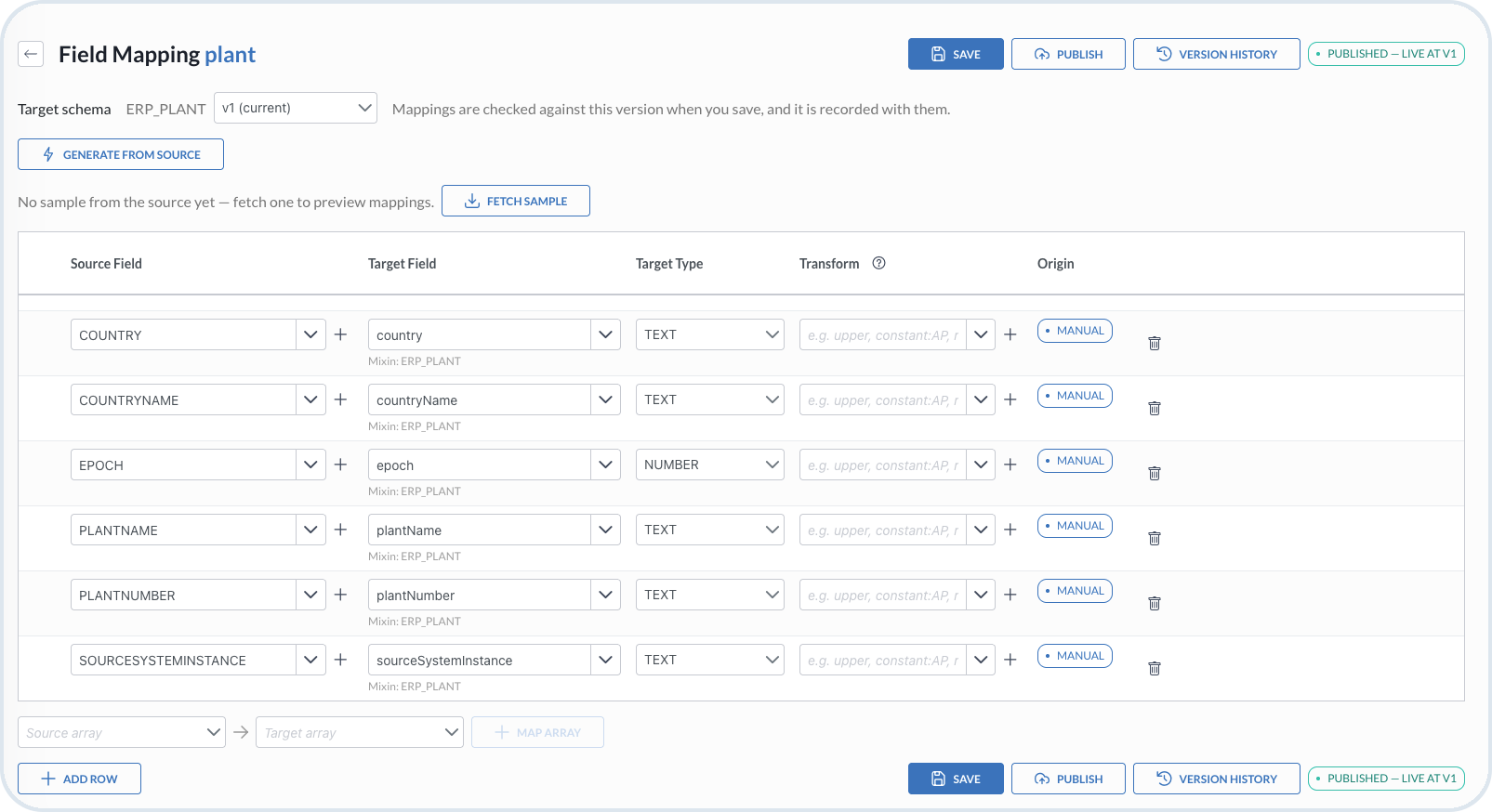
<figure><img src="https://2637457592-files.gitbook.io/~/files/v0/b/gitbook-x-prod.appspot.com/o/spaces%2F9VS91qn3Ylwd58YivX1A%2Fuploads%2Fgit-blob-ee6c2a425fe0309725d175d70164d1babbfeff4b%2Fit_stream_field_mapping.png?alt=media" alt="Field Mapping view with target schema, sample, mapping rows, and publishing actions"><figcaption><p>Field Mapping with target schema version, source and target fields, transforms, origin, and publishing actions</p></figcaption></figure>

{% stepper %}
{% step %}

#### Open Edit mapping

On the stream row, choose **Edit mapping**. You start with a blank mapping, or with mappings already generated from the source.
{% endstep %}

{% step %}

#### Review the target schema and source sample

Choose the **Target schema** version against which the mappings are checked. This schema version is recorded when you save.

Choose **Fetch sample** to retrieve source data and preview mappings.
{% endstep %}

{% step %}

#### Generate from source

Use **Generate from source** to create mappings that keep the same field names as the source. This is a starting point only.

Review each mapping's **Source Field**, **Target Field**, **Target Type**, **Transform**, and **Origin**. Use **+ Add row** for another field or **Map array** for array fields.

* If you leave the generated target names unchanged, the import can create new attributes on the entity as a new mixin schema. For example, a stream called **Shirts** can add a **Shirts** tab with the imported attributes, even if the entity already has another mixin.
* If you set each mapping **target** to existing entity or mixin fields, the import maps into those fields and does not create new ones.
* Creating new mixin attributes this way is also valid when you want to preserve the imported structure.

Set the mapping **target** fields to the schemas you intend to use: existing schemas you want to reuse or generated targets that you accept as new.
{% endstep %}

{% step %}

#### Adjust values with Transform

Use **Transform** to shape values before target type conversion. Leave the transform blank for a direct passthrough.

Supported transforms include:

| Transform                              | Description                                                                         |
| -------------------------------------- | ----------------------------------------------------------------------------------- |
| `trim`                                 | Removes leading and trailing whitespace                                             |
| `upper`                                | Converts the value to upper case                                                    |
| `lower`                                | Converts the value to lower case                                                    |
| `dateIso`                              | Best-effort ISO date passthrough; `DATE` or `DATE_TIME` target types handle parsing |
| `constant:<value>`                     | Emits a fixed literal; the source field can be blank                                |
| `default:<value>`                      | Uses `<value>` when the source is null or blank                                     |
| `prefix:<text>`                        | Prepends `<text>`                                                                   |
| `suffix:<text>`                        | Appends `<text>`                                                                    |
| `substring:<start>[:<end>]`            | Extracts a substring by 0-based character index; `<end>` is exclusive and optional  |
| `replace:<search>:<replacement>`       | Literal replace-all; `<search>` cannot contain `:`                                  |
| `regexReplace:<pattern>:<replacement>` | Regex replace-all using Java regex; `<pattern>` cannot contain `:`                  |
| `padStart:<length>:<char>`             | Left-pads to `<length>` using `<char>`                                              |
| `split:<delimiter>`                    | Splits into an array of trimmed, non-empty tokens                                   |
| `reference:<TYPE>`                     | Builds a single reference to an imported instance of `<TYPE>`                       |
| `references:<TYPE>`                    | Splits comma- or semicolon-separated IDs into an array of references to `<TYPE>`    |
| `resourceId`                           | Extracts the last path segment from a URL or file path                              |
| {% endstep %}                          |                                                                                     |

{% step %}

#### Preview mappings

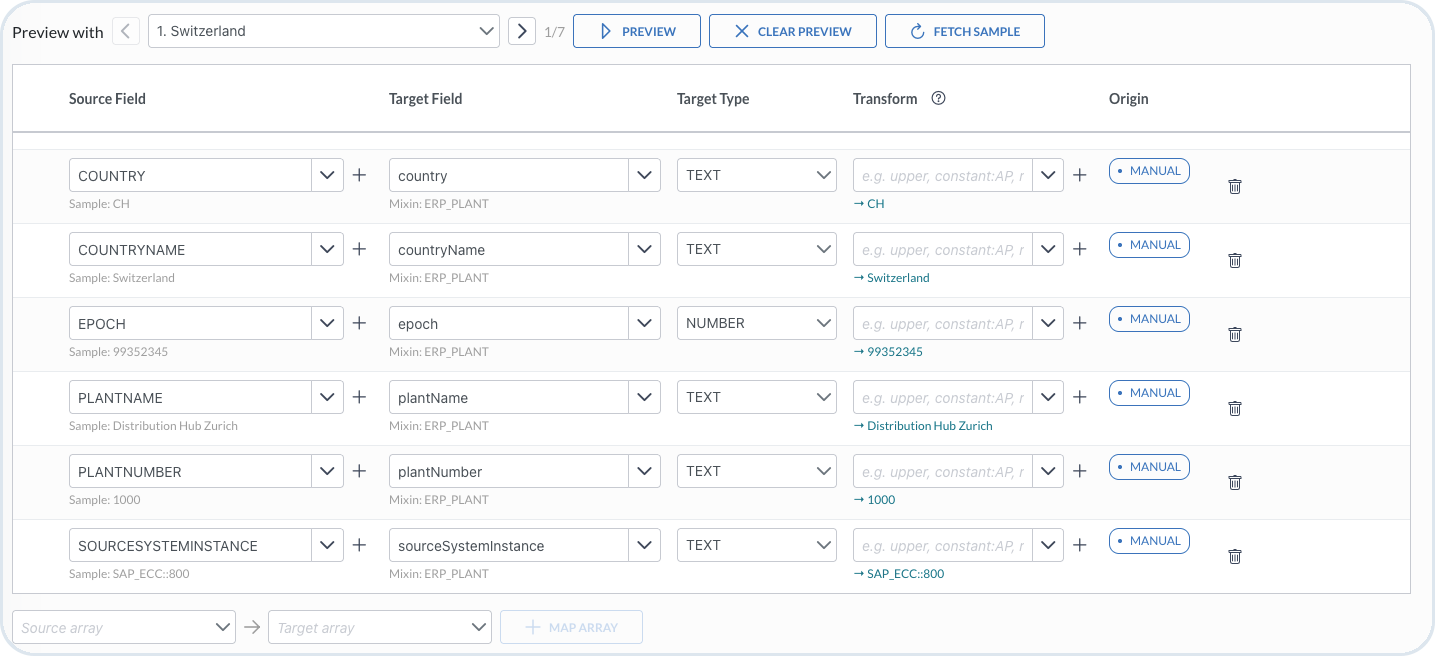
After you choose **Fetch sample**, use **Preview with** to select a sample record, then use the record navigation to move through the sample set. Choose **Preview** to see how the current mappings and transforms apply to that record before you save. Review the sample values and transformed output for each row. Choose **Clear preview** to remove preview results from the grid without changing your mappings.

<figure><img src="https://2637457592-files.gitbook.io/~/files/v0/b/gitbook-x-prod.appspot.com/o/spaces%2F9VS91qn3Ylwd58YivX1A%2Fuploads%2Fgit-blob-91b3b494d6a25f22ceacdfe2d329926103b08315%2Fit_mapping_preview.png?alt=media" alt="Field Mapping preview with Preview with, record navigation, and mapped field output"><figcaption><p>Mapping preview showing sample record selection and transformed values before save</p></figcaption></figure>
{% endstep %}

{% step %}

#### Save and publish the mapping

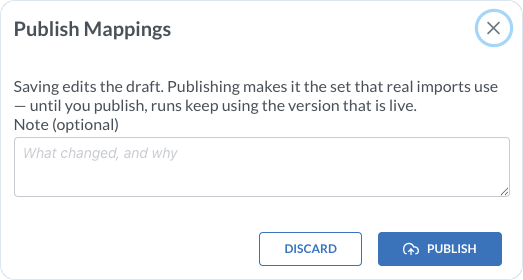
Choose **Save** to store the mapping with the selected target schema version. When the mapping is ready to use, choose **Publish**. Use **Version history** to review previous versions.
{% endstep %}
{% endstepper %}

{% hint style="success" %}
After you publish the mapping, continue with [Running and Monitoring Imports](/import-tool/import-setup-and-jobs/imports/running-imports.md).
{% endhint %}


---

# Agent Instructions
This documentation is published with GitBook. GitBook is the documentation platform designed so that both humans and AI agents can read, navigate, and reason over technical content effectively. Learn more at gitbook.com.

## Querying This Documentation
If you need additional information that is not directly available in this page, you can query the documentation dynamically by asking a question.

Perform an HTTP GET request on the current page URL with the `ask` query parameter, and the optional `goal` query parameter:

```
GET https://developer.emporix.io/import-tool/import-setup-and-jobs/imports/field-mapping.md?ask=<question>&goal=<endgoal>
```

`ask` is the immediate question: it should be specific, self-contained, and written in natural language.
`goal` is optional and describes the broader end goal you are ultimately trying to accomplish on behalf of the user. GitBook uses it to tailor the answer towards what is most useful for that goal.

The response will contain a direct answer to the question and relevant excerpts and sources from the documentation.

Use this mechanism when the answer is not explicitly present in the current page, you need clarification or additional context, or you want to retrieve related documentation sections.