Search Configuration with Webhooks
Learn the possibilities for configuring search in Emporix.
You can integrate the Emporix Commerce Engine with any index providers by leveraging the webhook events concept. Emporix CE recognizes all changes around a product item like the product itself, its price, category or availability related to the product. If any of the connected entities is modified, our platform prepares an index-item object which contains all the necessary data.
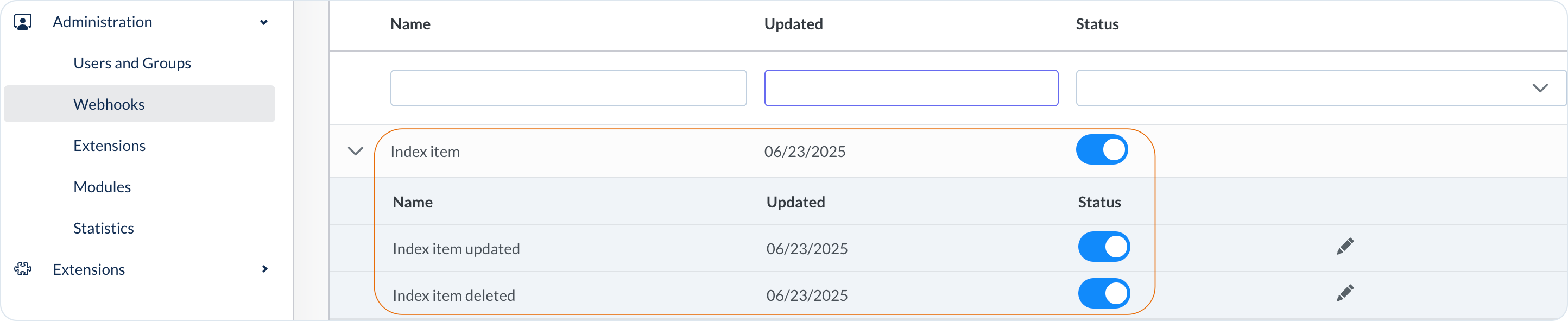
The index-item payloads above are produced inside Commerce Engine whenever catalog data changes, but they do not reach your search provider on their own. The Webhook Service is the delivery layer: it forwards Index item updated and Index item deleted events to the endpoint you configure (for example by using Svix), where they can be transformed and applied to your external search index.
Without enabling the webhook service and the index-item events, your search engine has no automated way to learn about new, changed, or removed products.
Enabling webhook service
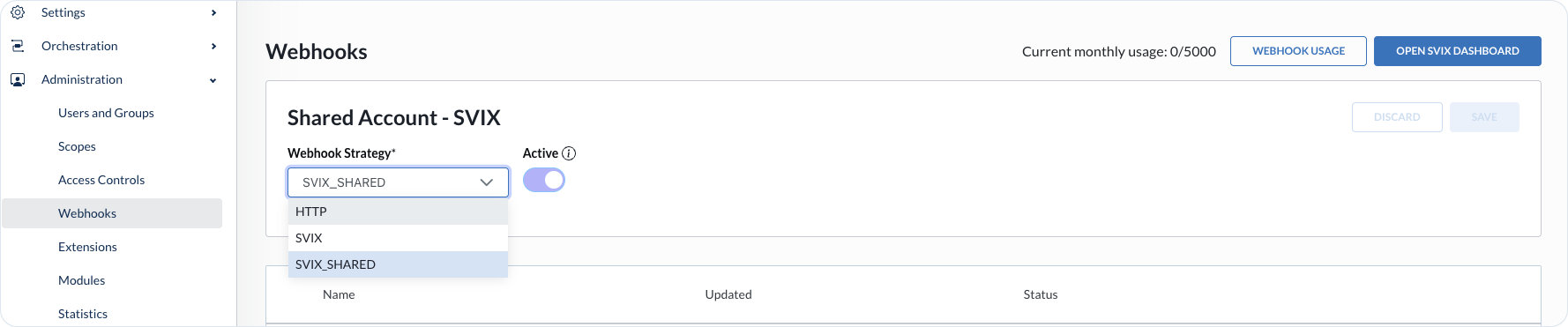
To enable the webhook service, follow these steps:
Commerce Engine allows you to configure your own search functionality. You can choose any provider that suits your needs. For demonstration purposes of how you can configure search through the webhooks functionality, we present examples of configuring Algolia and BatteryIncluded. These are the search engines that can be configured to work with Emporix CE and Svix.
Webhook configuration example with Svix-shared strategy
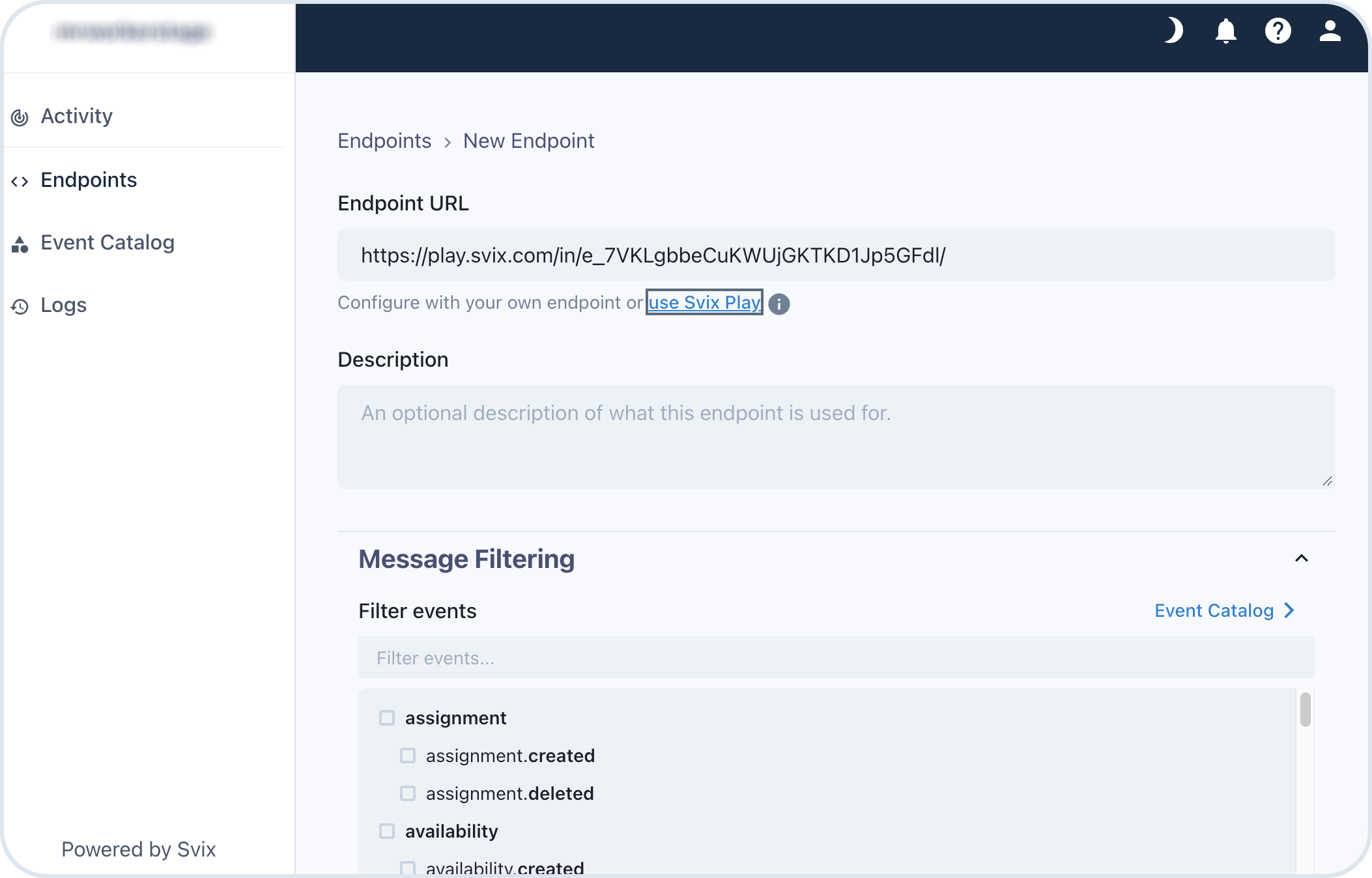
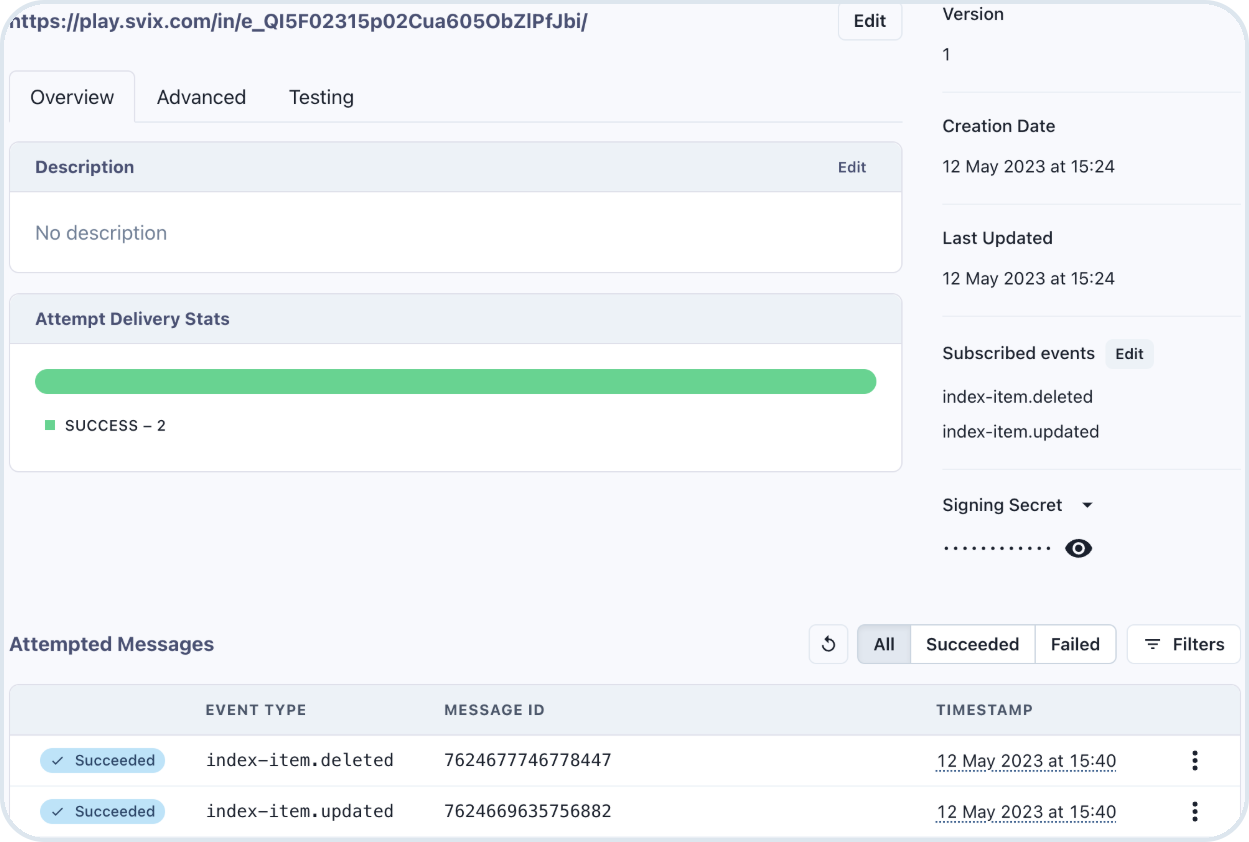
For Svix-shared strategy, use the Open Svix Dashboard option to configure the relevant endpoints. It automatically opens the Svix Dashboard where you can configure the required endpoints. See the testing example below:
Last updated
Was this helpful?