> For the complete documentation index, see [llms.txt](https://developer.emporix.io/llms.txt). Markdown versions of documentation pages are available by appending `.md` to page URLs; this page is available as [Markdown](https://developer.emporix.io/vsm-guides/value-stream-examples/order-splitting.md).
# Order Splitting
Empower your fulfillment strategy with smarter automation and a scalable process.
The Order Splitting value stream template is an intelligent, automated solution that enhances fulfillment efficiency by dynamically dividing orders across warehouses, vendors, products, or delivery schedules. The process template adapts to real-time logistics, inventory, and customer preferences to ensure smooth and cost-effective order processing.
## Key features
| Feature | Description |
| -------------------------------- | ------------------------------------------------------------------- |
| **Configurable rules** | Defines custom order split logic without modifying backend code. |
| **Operational efficiency** | Reduces fulfillment delays, shipping costs, and stockouts. |
| **Enhanced customer experience** | Delivers faster, more reliable, and personalized shipping at scale. |
## Process template flow
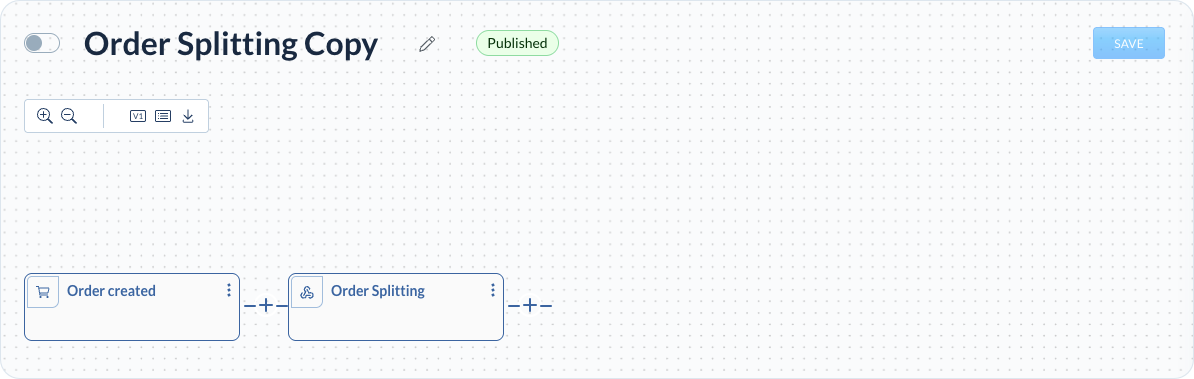
The process template begins when a new order is placed which triggers the workflow. Once triggered, the system fetches the complete order data to ensure all necessary details are available for processing. Each item in the order is then routed at the product level according to its vendor, allowing for vendor-specific handling and fulfillment. The routing logic is designed to be flexible and extendable, making it possible to incorporate additional factors in the future, such as different references or delivery addresses. Based on this routing, individual sub‑orders are created for each vendor, ensuring clear separation and streamlined processing. Once all sub‑orders are created and logged, the process is completed.
### Process trigger
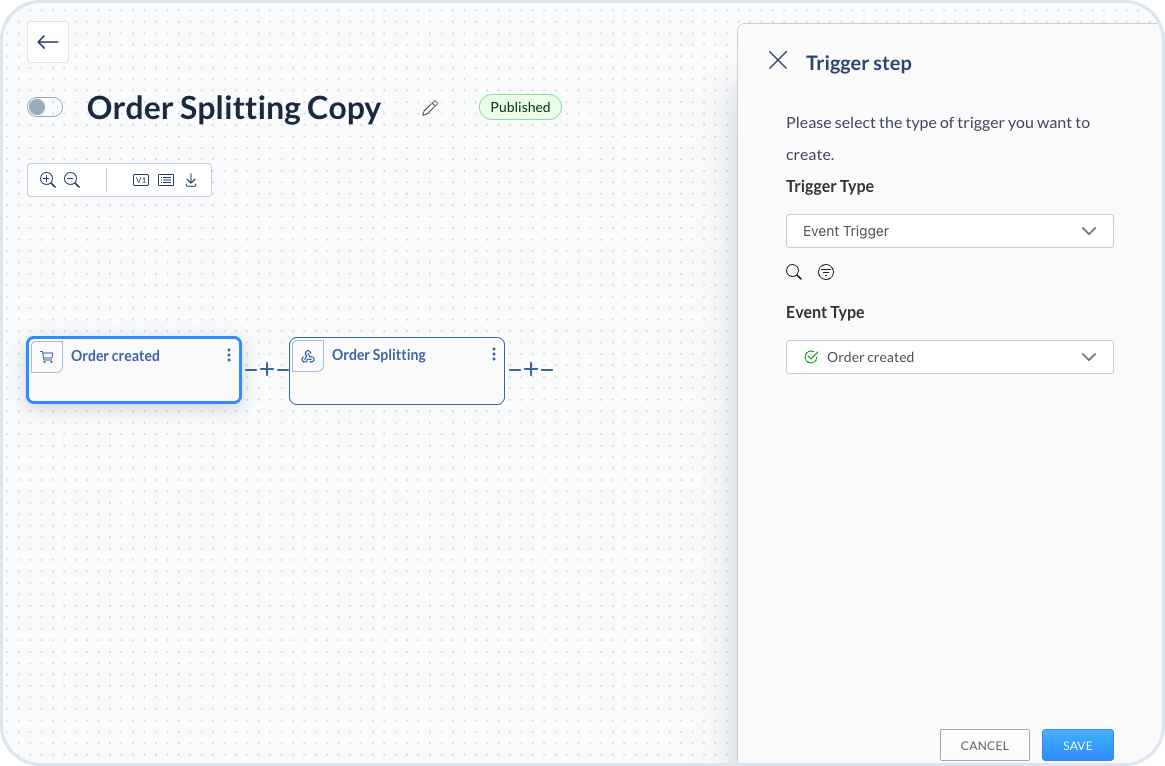
The process starts when a new order is placed by a customer.
### Splitting the order
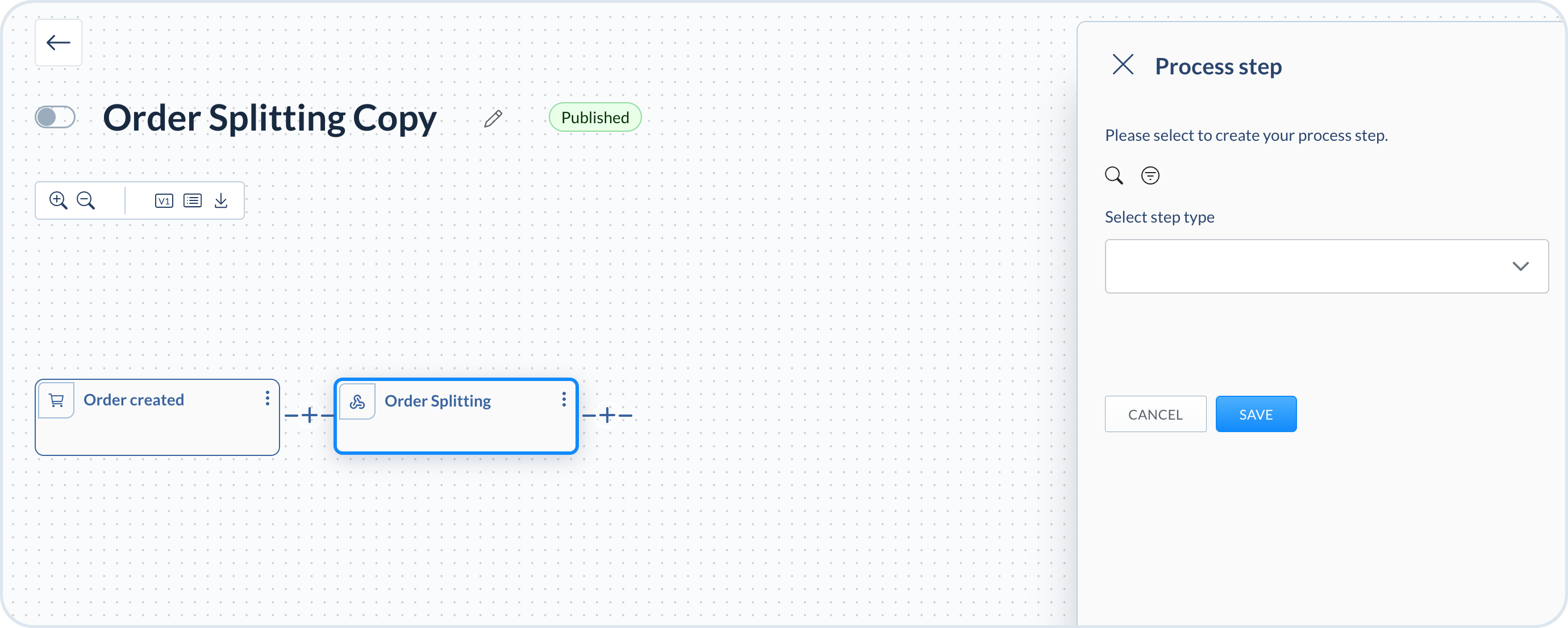
When the process starts, the order is split into suborders assigned to different vendors. The suborders are logged for processing and the delivery is aligned.
{% hint style="success" %}
If you're interested in learning more about the order splitting mechanism or want to import the process using a JSON template, see the tutorial provided in our API documentation - [How does vendor work with order splitting?](/api-documentation/api-guides/companies-and-customers/vendor-service/vendor.md#how-does-vendor-work-with-order-splitting).
{% endhint %}
---
# Agent Instructions
This documentation is published with GitBook. GitBook is the documentation platform designed so that both humans and AI agents can read, navigate, and reason over technical content effectively. Learn more at gitbook.com.
## Querying This Documentation
If you need additional information that is not directly available in this page, you can query the documentation by asking a question.
Perform an HTTP GET request on the following URL with the `ask` and `goal` query parameters:
```
GET https://developer.emporix.io/vsm-guides/value-stream-examples/order-splitting.md?ask=&goal=
```
`ask` is the immediate question: it should be specific, self-contained, and written in natural language.
`goal` is what the user is ultimately trying to achieve, the reason they need the answer. Sharing it helps GitBook give you a better, more relevant answer. A goal is most helpful when it describes the outcome the user wants rather than restating the question. For example, with `ask=how do I create an API token`, a goal like `automate deployments from our CI pipeline` lets GitBook tailor the answer to that use case.
The response will contain a direct answer to the question and relevant excerpts and sources from the documentation.
Use this mechanism when the answer is not explicitly present in the current page, you need clarification or additional context, or you want to retrieve related documentation sections.